
How to Download Freedom Papers:
For best results, please complete this process on a laptop/computer, rather than a mobile device.
Click Add to Cart. Proceed to cart to checkout.
You will be prompted to create an account. Create account, then proceed to cart again to checkout.
After checkout, you will receive an order confirmation email for your purchase. This email will not contain links to your product. It serves to confirm the purchase was successful.
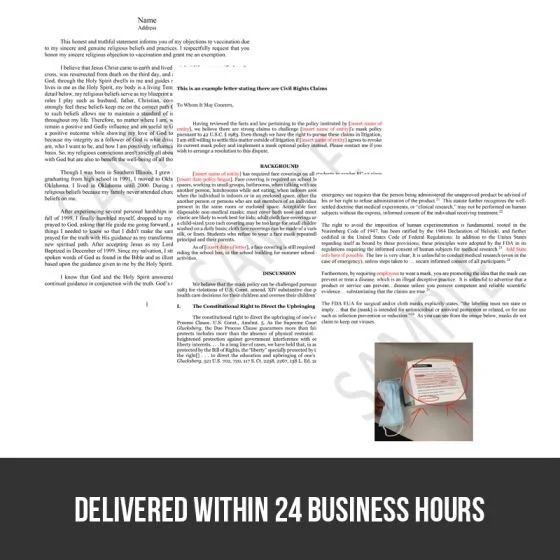
Within 24 business hours, you will receive an invoice email with links to download your product.
Scroll to the bottom of that email for the links to download each paper. Click the links and they will open in your default web browser.
To download: Click the download button in your web browser and save the files to the desired location on your computer. (Some browsers may download the product automatically into your downloads folder. Check that folder to find your documents.)
You can also access the documents by signing into your account at store.thewellnessway.com. Navigate to the My Downloadable Products section listed on the left side of your account page.
Additional tips:
These documents are in pdf form. To view these documents use Acrobat reader. If you do not have Acrobat Reader you can download the free version here.
To modify the documents, copy and paste the PDF text into a Word document. Edits may be then be made in Word.
How to Download Freedom Papers:
For best results, please complete this process on a laptop/computer, rather than a mobile device.
Click Add to Cart. Proceed to cart to checkout.
You will be prompted to create an account. Create account, then proceed to cart again to checkout.
After checkout, you will receive an order confirmation email for your purchase. This email will not contain links to your product. It serves to confirm the purchase was successful.
Within 24 business hours, you will receive an invoice email with links to download your product.
Scroll to the bottom of that email for the links to download each paper. Click the links and they will open in your default web browser.
To download: Click the download button in your web browser and save the files to the desired location on your computer. (Some browsers may download the product automatically into your downloads folder. Check that folder to find your documents.)
You can also access the documents by signing into your account at store.thewellnessway.com. Navigate to the My Downloadable Products section listed on the left side of your account page.
Additional tips:
These documents are in pdf form. To view these documents use Acrobat reader. If you do not have Acrobat Reader you can download the free version here.
To modify the documents, copy and paste the PDF text into a Word document. Edits may be then be made in Word.